
You buy a shiny new spool of PLA 3D printer filament. You load it into your machine. Then trouble starts. The nozzle clogs. The filament grinds in the extruder. Nothing sticks to the build plate. This scenario frustrates many beginners. So you ask: is there a universal PLA 3D printer filament that works in every machine? The honest answer is no single filament guarantees success everywhere. However, standard PLA comes closest. It works with the vast majority of FDM printers. You just need to match two key specifications. This article explains those critical factors: filament diameter and temperature settings. You will also learn practical tips for choosing your first spools with confidence. Moisture, incorrect tension, or aggressive print speeds cause many issues. Understanding these basics prevents wasted filament and failed prints.
Key Takeaways
-
Check your printer's filament diameter. Most machines use 1.75mm. A wrong size causes jams.
-
Set your nozzle temperature between 190°C and 220°C. This range works for standard PLA.
-
Use a heated bed at 40-65°C for good adhesion. Tape or glue stick works without heat.
-
Buy quality PLA with tight diameter tolerance and vacuum-sealed packaging. This prevents many print problems.
The Short Answer: Yes, With Two Conditions
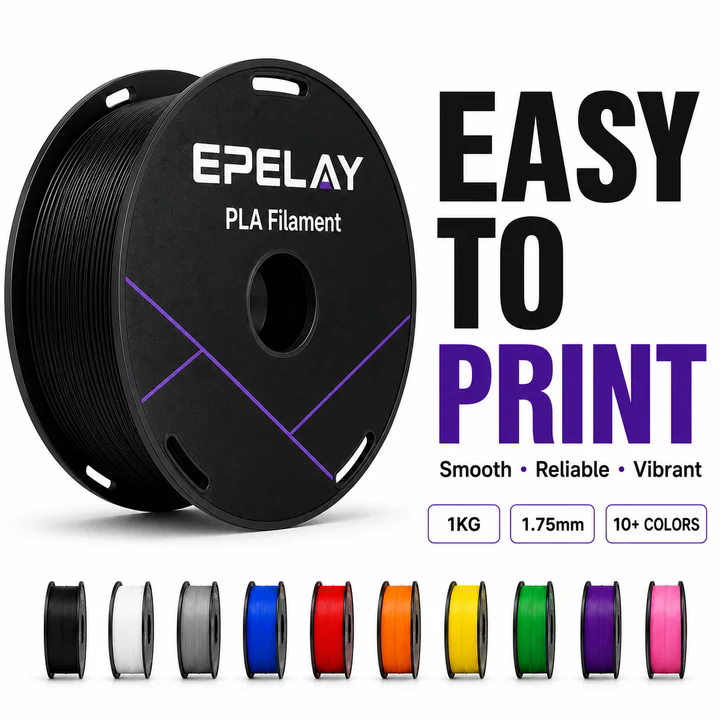
You can use standard PLA in nearly any FDM printer on the market today. This material works across budget machines, mid-range workhorses, and premium flagship models. The reason comes down to two physical properties: its low printing temperature and its minimal warping tendency. These characteristics make PLA the safest choice for manufacturers who want one material that performs reliably across different hardware designs.
Why PLA is the Most Versatile Material
PLA earns its reputation as the default filament because it asks very little from your machine. Compare its requirements to other common materials. The table below shows why PLA stands apart:
|
Property |
PLA |
PETG |
ABS |
|---|---|---|---|
|
Tensile Strength (MPa) |
50-70 |
40-50 |
34-36 |
|
Flexibility (Elongation at break) |
4-6% (rigid, brittle) |
Tougher, more flexible |
Higher stretch before breaking |
|
Printability |
High (no heated bed required) |
Moderate |
Moderate |
|
Layer Adhesion |
Good |
Good |
Fair |
|
Warping Tendency |
Low |
Moderate |
High |
|
Printing Temperature (°C) |
190-220 |
Higher than PLA |
Higher than PLA |
You see the pattern immediately. PLA prints at a lower temperature than PETG or ABS. It also resists warping far better than ABS. Many printers lack the high-temperature hotends needed for advanced materials. Nearly every machine can handle PLA's modest requirements. This universal compatibility means you can buy a spool of PLA 3D printer filament without worrying whether your specific model supports it.
The practical benefits extend beyond temperature. PLA does not require a heated bed for basic success. You can print on glass, painter's tape, or a textured surface with good results. The material also produces crisp details and a smooth finish. Beginners appreciate this forgiving nature. Experienced makers value the consistency. For best results with PLA on desktop printers, follow these guidelines:
Use a layer thickness of 0.1–0.2 mm, a nozzle temperature around 200°C, and a print speed of 50–70 mm/s. Bed temperature of 40–60°C is optional but improves first-layer adhesion.
These settings work across most machines. You rarely need to tweak them for a specific printer model.
The Two Dealbreakers: Diameter and Heat
Despite PLA's versatility, two factors can ruin your experience. The first dealbreaker is filament diameter. Most modern printers accept 1.75mm filament. Some older or European models use 2.85mm or 3.00mm filament. If you load the wrong size, the extruder cannot grip the material properly. You will see jams, grinding, or under-extrusion. Check your printer's specification sheet before buying any spool.
The second dealbreaker is nozzle temperature. Standard PLA prints between 190-210°C. PLA+ variants need 210-230°C. Silk and high-speed PLA also require higher temperatures. Your printer's hotend must reach these values. Most machines handle 200-220°C without issue. However, some ultra-budget printers max out at lower temperatures. If your hotend cannot reach the required heat, the filament will not melt properly. You will get weak layers, clogs, or failed prints.
Temperature problems also appear when you push settings too far. Printing above 230°C may soften PLA before it reaches the nozzle. This causes inconsistent flow. Incorrect bed temperature creates adhesion issues. Set your bed to 60-80°C for best results. You should also watch for environmental factors. Drafts cause warping. High print speeds prevent proper layer bonding. Reduce speed to 30-50% of default for first layers. A thermal tower test helps you find the sweet spot for your specific filament.
When you match both diameter and temperature, PLA works flawlessly. When you ignore either one, you face frustration. The solution is simple: verify your printer's specs, then choose a filament that matches those numbers.
Filament Diameter: The First Compatibility Check
Before you look at color or brand, you must check one crucial detail. The diameter of your filament must match your printer's extruder design. A mismatch prevents the machine from feeding material correctly. It can also cause jams that require disassembly to clear.
The Industry Standard: 1.75mm Filament
The vast majority of home 3D printers use 1.75mm filament. Statistics show that approximately 85 to 89 percent of consumer machines rely on this standard. This makes it the safest and most common choice for most users. You can find a wide selection of materials and colors in this size.
Why does 1.75mm dominate the market? The size offers several engineering benefits:
-
Finer volumetric control: The thinner strand allows the extruder to manage material flow with greater precision. This precision is critical for detailed prints with fine features.
-
More efficient heat transfer: At the same hotend temperature, a 1.75mm strand melts faster and more uniformly than thicker filament. This improves print speed and consistency.
-
Better handling of flexible materials: The reduced cross-section prevents buckling in soft filaments like TPU. This makes feeding more reliable.
-
Dominant market availability: Roughly 95% of specialty materials, such as carbon fiber or silk blends, are manufactured exclusively in 1.75mm. This reinforces its position as the default choice.
Because of these advantages, manufacturers design most printers around the 1.75mm format. When you buy a standard PLA 3D printer filament, you can assume it will be 1.75mm unless stated otherwise. This standardization reduces confusion and ensures wide compatibility.
The Exception: 2.85mm and 3.00mm Filament
Some printers do not use 1.75mm filament. You will find 2.85mm or 3.00mm diameters in specific situations. Older models from European manufacturers, such as some Ultimaker machines, use this thicker standard. Industrial models also often employ this size for higher throughput.
Using the wrong diameter causes immediate problems. If you load 1.75mm filament into a printer designed for 2.85mm, the extruder cannot grip the material properly. This leads to under-extrusion or complete jams. The extruder gears may grind the filament instead of pushing it. The opposite scenario is also bad. Forcing a 2.85mm filament into a 1.75mm extruder will clog the nozzle instantly. You will need to clear the jam before you can print again.
Always check your printer's specification sheet before making a purchase. Look for the supported filament diameter. If you own a common consumer machine, you almost certainly need a PLA 3D printer filament in 1.75mm. If you own an older or specialized machine, verify the requirement first. This simple step saves you from wasted filament and frustrating failed prints. It also protects your printer from potential damage.
Temperature Settings: Matching Nozzle and Bed
Temperature control determines whether your prints succeed or fail. You must match both the nozzle and the bed to your filament's requirements. Standard PLA prints well between 190°C and 220°C. Most all-metal and PTFE-lined hotends can reach this range. You should still verify your printer's maximum temperature before buying any spool.
Nozzle Temperature: The Extrusion Sweet Spot
The nozzle temperature controls how your PLA melts and flows. Lower settings around 190–200°C produce crisp details and smooth surfaces. Higher settings between 210–220°C improve layer bonding and strength. This becomes important for larger models that need extra durability.
Printing outside this range creates distinct problems. The table below shows what happens at different temperatures:
|
Temperature Condition |
Effect on Print Quality |
|---|---|
|
Too Low (below 190°C) |
Weak layer adhesion; under-extrusion; rough surfaces |
|
Optimal (190–220°C) |
Balanced bonding, smooth finish, consistent flow |
|
Too High (above 220°C) |
Stringing; blobs; loss of small details |
You can diagnose temperature issues by examining your prints. Stringing and wisps between parts mean your nozzle runs too hot. Lower the temperature by 5°C and test again. Weak layers that split apart easily indicate a cold nozzle. Raise the temperature by 5°C increments until the layers fuse properly.
Different brands may require slight adjustments. A temperature tower test helps you find the perfect setting for your specific spool. This test prints small sections at increasing temperatures. You can then inspect each section and choose the best result. Start at the middle of the range and observe your first layer. Fine-tune from there based on what you see.
Bed Temperature: Adhesion and Warping Control
A heated bed helps your first layer stick firmly to the build surface. PLA requires a bed temperature between 40°C and 65°C to prevent warping. This range keeps the bottom layers warm enough to bond while allowing the print to release easily after cooling.
You can print PLA without a heated bed, but you need alternatives. A glue stick or painter's tape provides the necessary adhesion on cold surfaces. Apply a thin layer of glue stick across the print area. This creates a tacky surface that holds the filament in place during the first few layers.
Bed temperature also affects warping. Corners that curl upward signal that your bed runs too cold. Increase the temperature by 5°C and check again. A bed that runs too hot can cause the bottom of your print to soften and deform. Monitor your first layer closely to find the right balance.
Your choice of PLA 3D printer filament matters here too. Quality filaments like EPELAY PLA+ include recommended print settings on the spool. This removes guesswork and helps you dial in the correct temperatures quickly. You can focus on your design instead of troubleshooting hardware issues.
How to Choose the Right PLA 3D Printer Filament
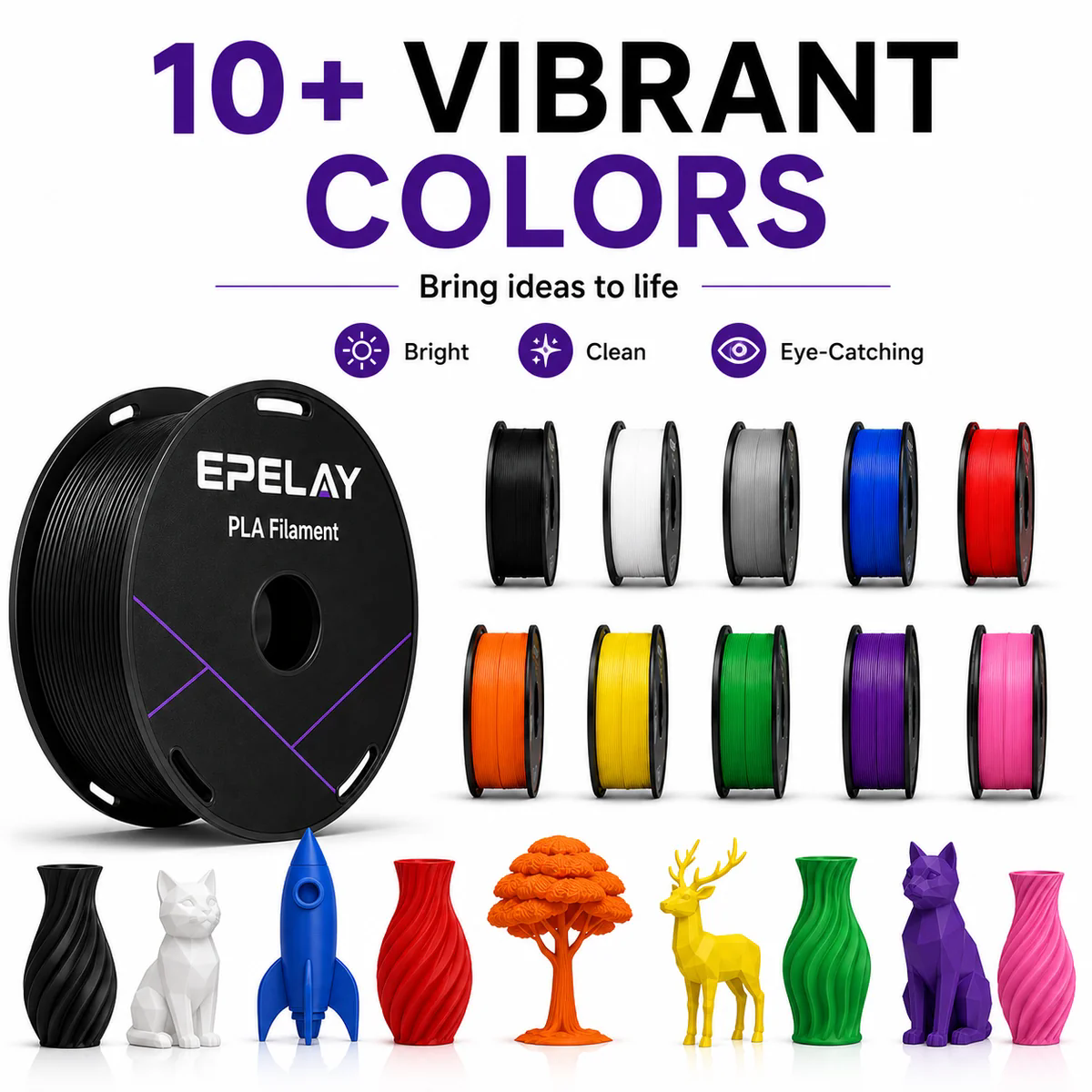
You now understand the two critical compatibility factors. The next step involves selecting a spool that delivers reliable results. This process requires attention to your printer's specifications and the filament's quality markers. Follow this guide to make an informed choice every time.
Step-by-Step: Reading Printer Specs and Spool Labels
Start with your printer's manual. Look for the supported filament diameter. Most consumer machines accept 1.75mm. Some European or industrial models require 2.85mm. Confirm this number before you browse any product listings. Next, find the maximum nozzle temperature your hotend can reach. Standard PLA prints between 190°C and 220°C. PLA+ variants often need 210°C to 230°C. Your printer must handle these values without strain.
Once you know your printer's limits, examine the spool label. Reputable manufacturers print their specifications directly on the packaging. You should see the filament diameter clearly stated. Look for the recommended nozzle temperature range. Many brands also list the ideal bed temperature. This information helps you configure your printer correctly from the first print.
Check the filament's diameter tolerance. This measurement tells you how consistent the thickness remains along the entire spool. A tighter tolerance means fewer jams and more accurate parts. Industry-standard tolerance sits at ±0.05mm. Premium filaments often achieve ±0.02mm or ±0.03mm. The table below summarizes what quality indicators matter most:
|
Quality Indicator |
What It Measures |
Why It Matters |
|---|---|---|
|
Diameter Tolerance |
Consistency of filament thickness |
The #1 predictor of print quality |
|
Color Consistency |
Whether a new order matches a previous spool |
Critical for multi-spool projects |
|
Moisture Protection |
If the filament ships sealed with desiccant |
Unsealed filament degrades before use |
|
Value |
Price per kilogram relative to quality |
Cheap filament that fails costs more |
|
Ecosystem |
Color range, lot tracking, support |
Ensures long-term usability |
Practical Tips for Your First Purchase
Start with a reputable brand that provides clear specifications. EPELAY PLA+ filament offers a consistent 1.75mm diameter. Each spool arrives vacuum-sealed with a desiccant packet. This packaging prevents moisture absorption, which can ruin print quality. The spool also includes recommended print settings right on the label. You can set up your printer quickly without guesswork.
Vacuum-sealed packaging matters more than you might think. PLA absorbs moisture from the air over time. Wet filament produces popping sounds during printing. It also creates rough surfaces and weak layers. A vacuum-sealed bag with silica gel packets removes air and lowers humidity. This protection ensures your filament stays dry and ready to use, even after months of storage.
Several brands earn consistent praise from the maker community. SUNLU produces reliable PLA+ with extra strength at a reasonable cost. ELEGOO offers dependable filament in affordable multi-packs. Polymaker delivers smooth prints with strong layer adhesion. Each of these options works well for beginners. You can also explore EPELAY's broader ecosystem, which includes PETG for stronger parts, TPU for flexible components, and ASA for outdoor durability.
Consider the color range before committing to a brand. Production runs and multi-spool projects require matching shades. Some manufacturers use hex-coded colors to guarantee consistency between orders. Others track production lots for traceability. These features matter when you need to reorder the same color months later.
Finally, verify the filament's recommended nozzle type. Standard PLA works fine with a brass 0.4mm nozzle. Abrasive materials like carbon fiber require hardened steel nozzles. PLA does not demand special hardware, which adds to its universal appeal. Choose a quality PLA 3D printer filament from a trusted brand, and you remove most variables that cause failed prints. You can then focus your energy on designing and creating.
No single PLA 3D printer filament works in every machine. Standard PLA, however, comes remarkably close. You need only verify two specifications before purchasing. First, confirm your printer accepts 1.75mm filament. Second, ensure your hotend reaches at least 190°C. These simple checks prevent most compatibility failures.
Quality matters too. A trusted brand like EPELAY removes guesswork. Their PLA+ spools arrive vacuum-sealed with clear print settings printed on the label. You can focus on your designs instead of troubleshooting hardware issues.
Check your printer's specs today. Pick a reliable PLA spool. Start printing with confidence.
FAQ
Can I print PLA without a heated bed?
Yes, you can. PLA adheres well to painter's tape or a glass surface coated with glue stick. Apply a thin layer before printing. Your first layer needs extra care. Keep your print speed slow for the initial few layers. This approach works reliably on cold beds.
How do I check my printer's filament diameter?
Look at your printer's manual or specification sheet. Most manufacturers list the supported diameter clearly. You can also measure the filament that came with your printer. Use calipers for accuracy. Standard consumer machines use 1.75mm. European models like some Ultimakers use 2.85mm.
Why does my PLA filament keep jamming?
Jams usually trace back to three causes. Your nozzle temperature may sit too low for the filament. Your print speed might exceed what the hotend can melt. Moisture in the filament creates bubbles that block the nozzle. Check your temperature settings first. Then dry your filament if you hear popping sounds.
Is PLA+ different from regular PLA?
PLA+ contains additives that improve strength and reduce brittleness. It prints at slightly higher temperatures, typically 210-230°C. The material resists warping better than standard PLA. Many brands like EPELAY offer PLA+ with consistent diameter and vacuum-sealed packaging. You can use PLA+ in any printer that handles regular PLA.


